SoaringSpot Contest Configuration
PureTrack supports automatically loading contests, aircraft, pilots and tasks from the SoaringSpot website. Here's how to configure it to work with PureTrack.
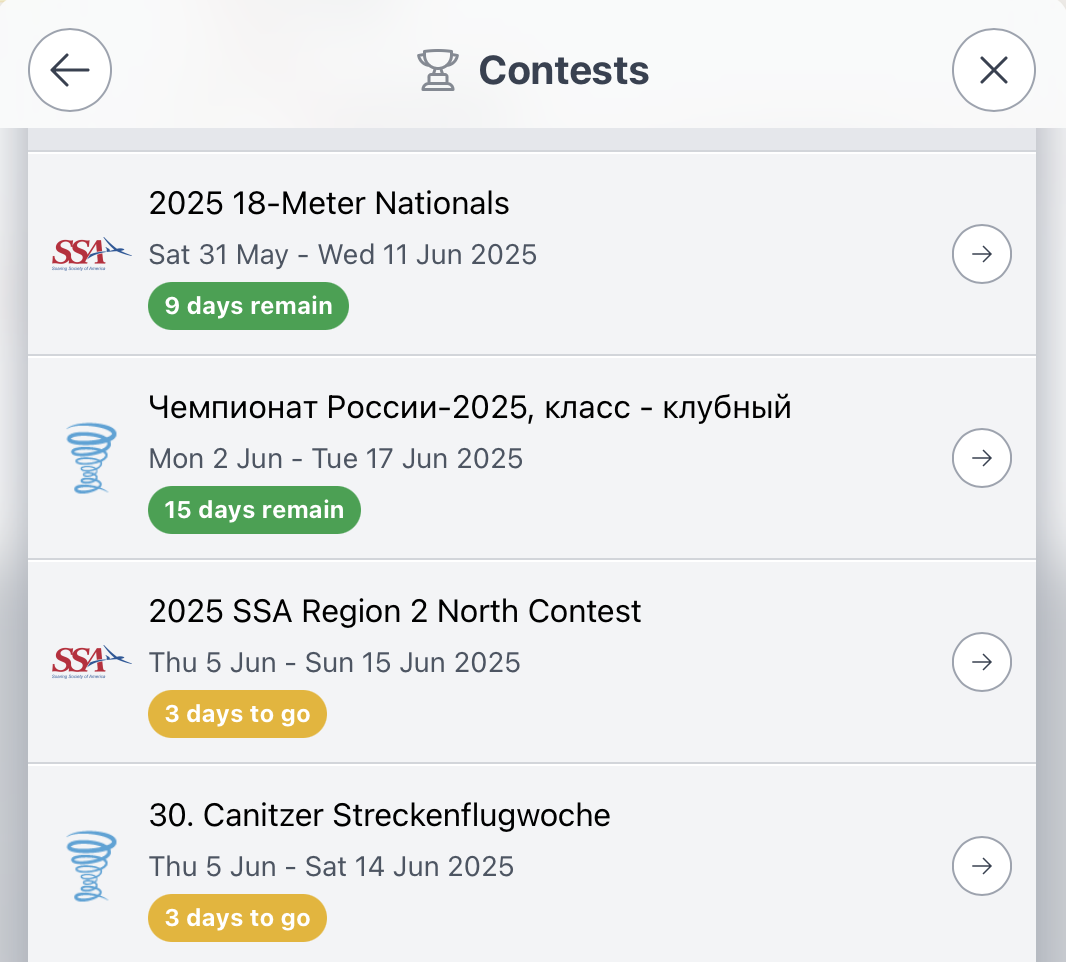
To view/load a contest use: Menu -> Contests from the PureTrack map, which will open the load contests panel:
For pilots
For contest organisers
Nothing needs to be done on PureTrack, tasks are loaded automatically every 15 minutes. However there are some things to check:
-
The contest ID on SoaringSpot needs to match what is in the PureTrack aircraft database. This data is obtained from the OGN database originally, but may get out of date as FLARMs are moved between gliders, or registrations change. The list of competitors PureTrack has imported is available from the contest panel.
-
Days and Tasks have to be added to SoaringSpot like normal through SeeYou. PureTrack will reload the latest tasks every 15 minutes.
-
If old or incorrect classes show up on PureTrack, contact us and we can remove them.
-
A contest link is available via the contest panel, that makes it super easy to share live tracking on social media or from your website. e.g. puretrack.io/c/my-big-contest