Satellite Trackers: SPOT, InReach, Zoleo and Protegear
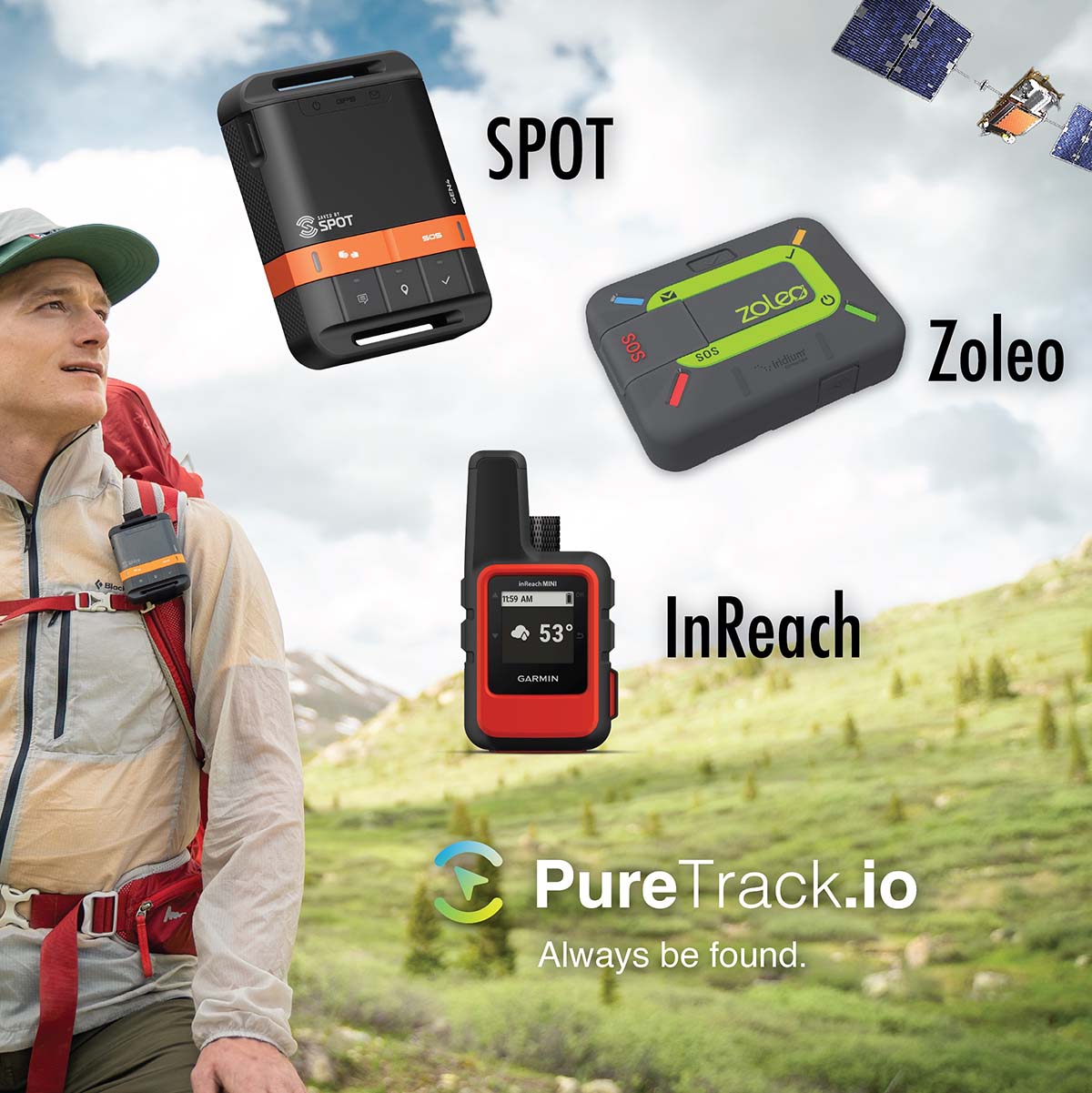
How to get the fastest update rates for your device
SPOT: by default a SPOT will send location data every 10 minutes. However for SPOT v3 or greater it's possible to change it to the fastest 5 minutes, by updating it, and changing the update rate.
InReach: InReach users can pay for faster update rates, up to every 2.5 minutes. Check your settings and plan in the InReach website.
Zoleo: Check your settings in the Zoleo app. Fastest update rate possible is 6 minutes.
Protegear: Cellular can be every 10 seconds (1 minute is default). Satellite every 2 minutes (5 minutes is default). Configure via the Alive app
Temporarily disable your device
In your dashboard: The "Feed to" menu for each tracker lets you quickly switch which Map Marker the device will show as. Select the top option "None - Disabled" to temporarily disable your device. This works for all data sources, not just satellite trackers.

How PureTrack gets data from SPOT and InReach
- We check all SPOT and InReach devices every 15 minutes. This means after turning on your device, there could be a delay of up to 15 minutes for the first data to come into PureTrack.
- If data for your device is received, updates will increase to every 2 minutes.
- After two hours of no new data, it will drop back to checking every 15 minutes.
So our advice is turn on your device early, which gives it time to acquire satellites and for PureTrack to receiver the first data.
Manually speed up PureTrack's checking for new data
You can manually make your device check faster in your dashboard. Click the new 'Activate' button.
How Zoleo Updates
Zoleo works differently, and sends the data to PureTrack as soon as it is recieved. Updates are every 6 minutes.
Troubleshooting
If you're not seeing your satellite tracker on PureTrack, here's a few things to check:
- Make sure your satellite tracker plan is active.
- Make sure your XML feed (SPOT) or MapShare (InReach) is not password proteced.
- Some devices like SPOT need movement to send a location. Take it for a walk or a drive.
- Make sure the device is pointing to the sky correctly. SPOT needs to be flat, facing up. InReach and Zoleo work vertically.
- It can take a few minutes for the device to get Satellite signal if it hasn't been used in a while
- It can then take a couple of minutes for your location to actually transmit.
- It can then take 15 minutes before PureTrack picks up data after turning on. It speeds up once data has been received. Or 'activate' it in your dashboard.