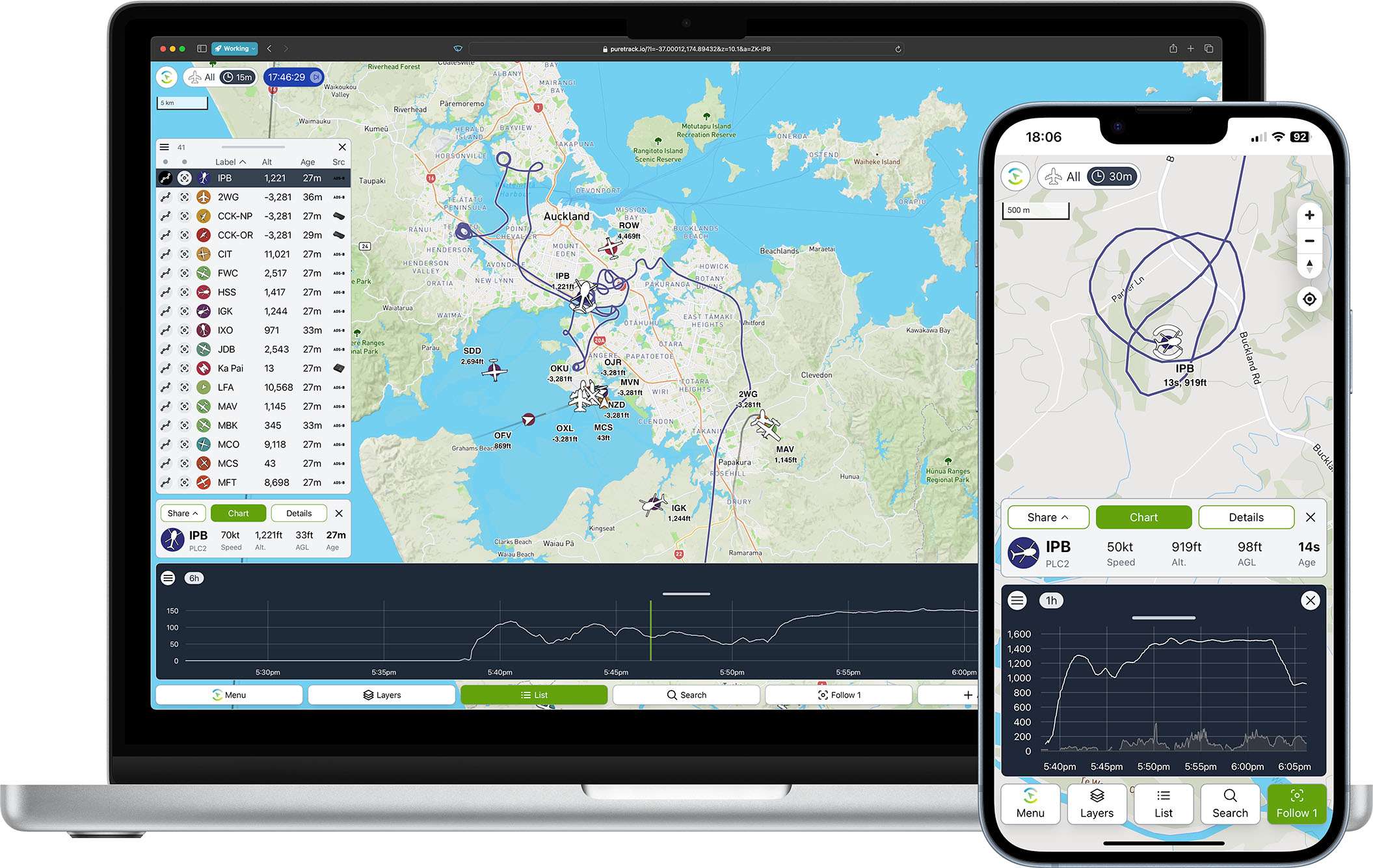
Introducing an improved PureTrack user interface! 🥳 We've added many major and minor improvements throughout to help track your friends and family even more easily.
The goals have been:
Simplify the user interface for new users, while keeping all advanced features for power users.
Make features easier to use on mobile devices. e.g. buttons and menus at the bottom of the screen.
Make better use of the screen space on both mobile devices and larger screen desktops.
We hope you like it! Here's a list of the main new features and improvements.
New tab bar, now in easy reach from your thumb on a mobile device. The follow button is now more obvious, making it quick and easy to keep one or more items in view on the map.
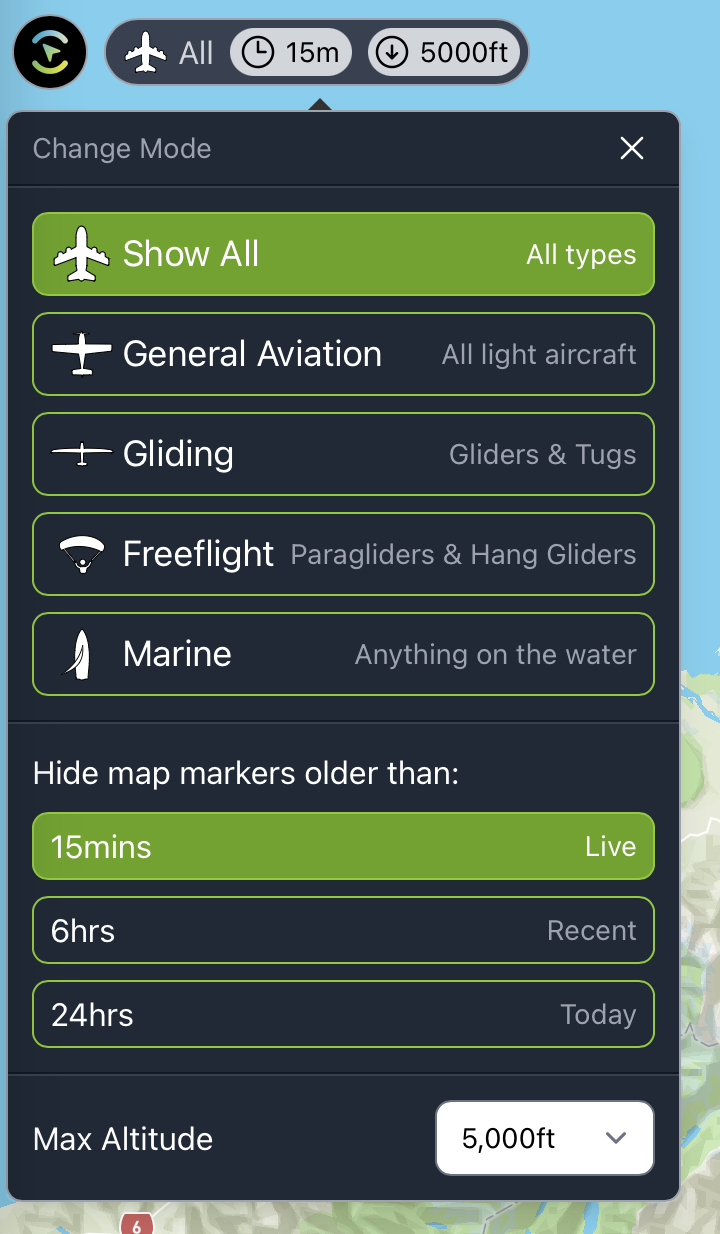
New filter panel, now making it obvious what you're looking at.
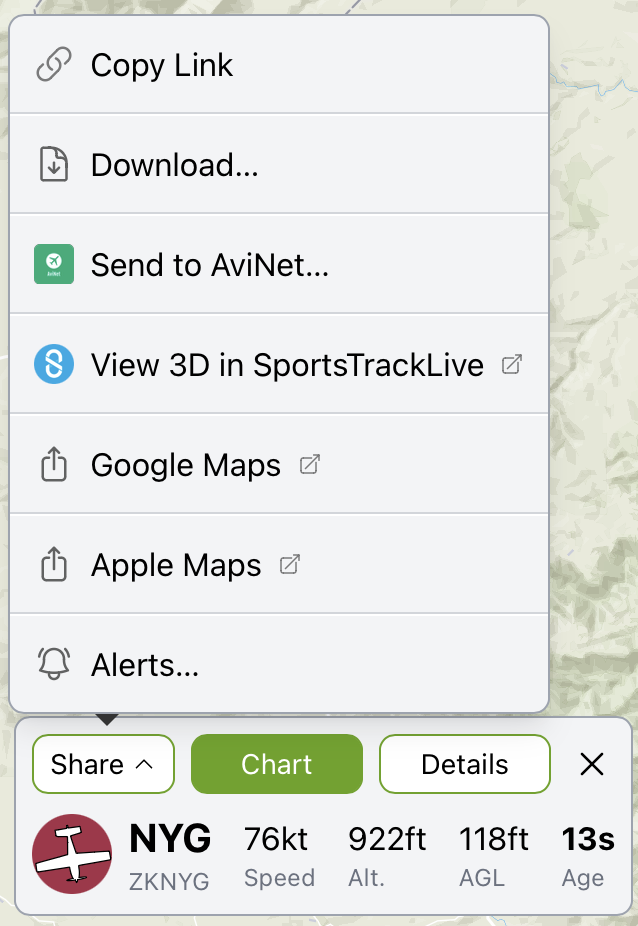
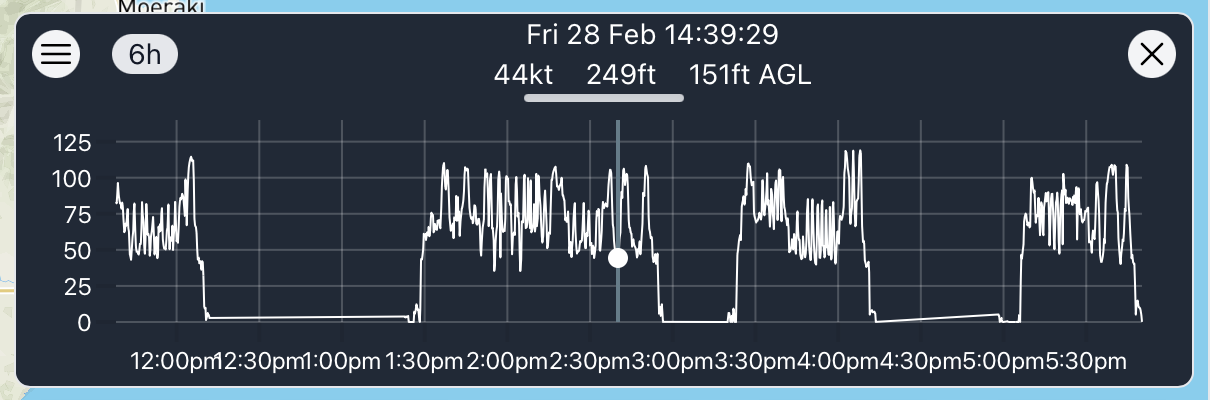
A new selected panel. Showing key stats. Click "Chart" to toggle the barograph chart on/off. Click "details" to toggle the full details panel on/off. The share menu is now easy to access, and now as links to Google and Apple maps.Many tweaks have been made to the barograph chart. For desktop users, hovering on the chart no longer jumps the map to a different time. Now a click is required. To revert to the previous behaviour, hold down shift and hover the mouse. Usage on a mobile device should be the same as previous. A green bar now shows what time is selected.
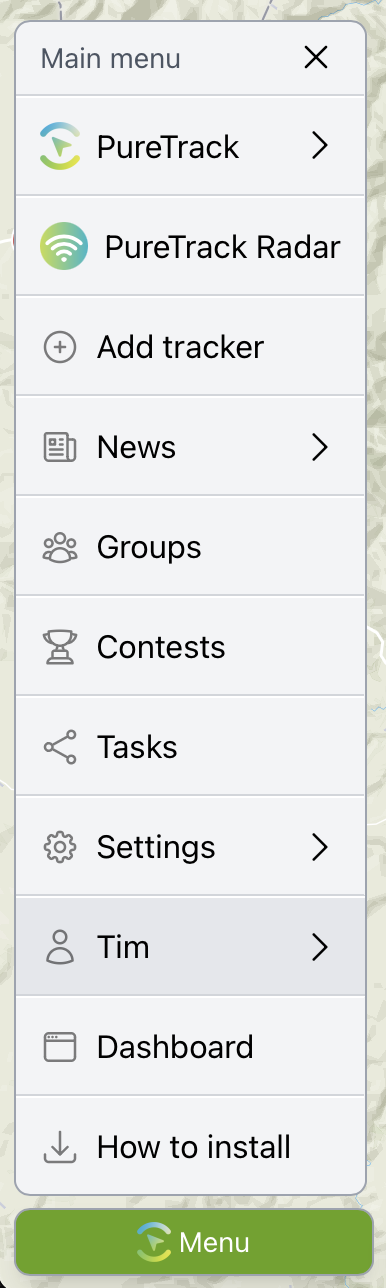
A new main menu, makes everything easier to find in one place, including settings, loading groups and tasks,
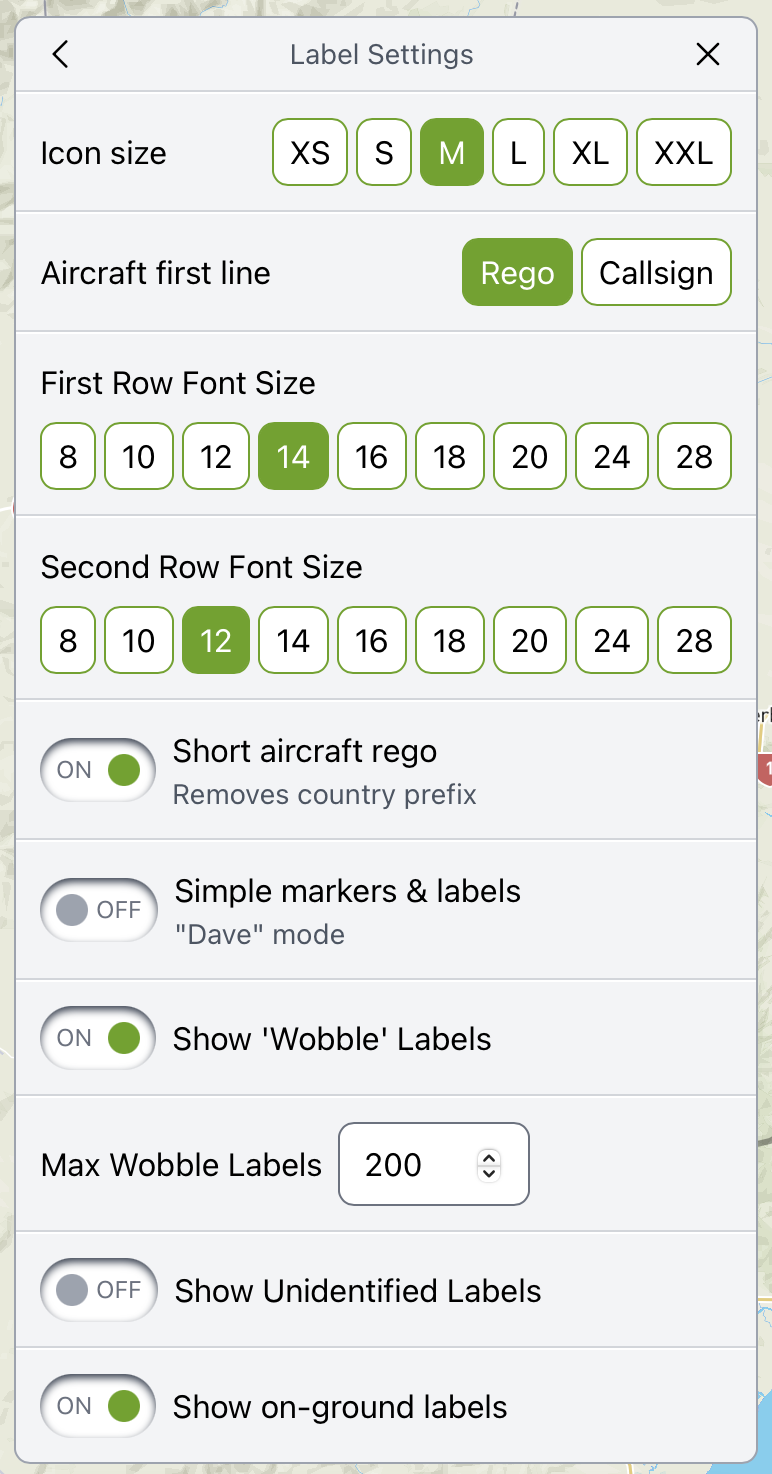
Label settings are now all in one place, instead of being scattered all over the place!
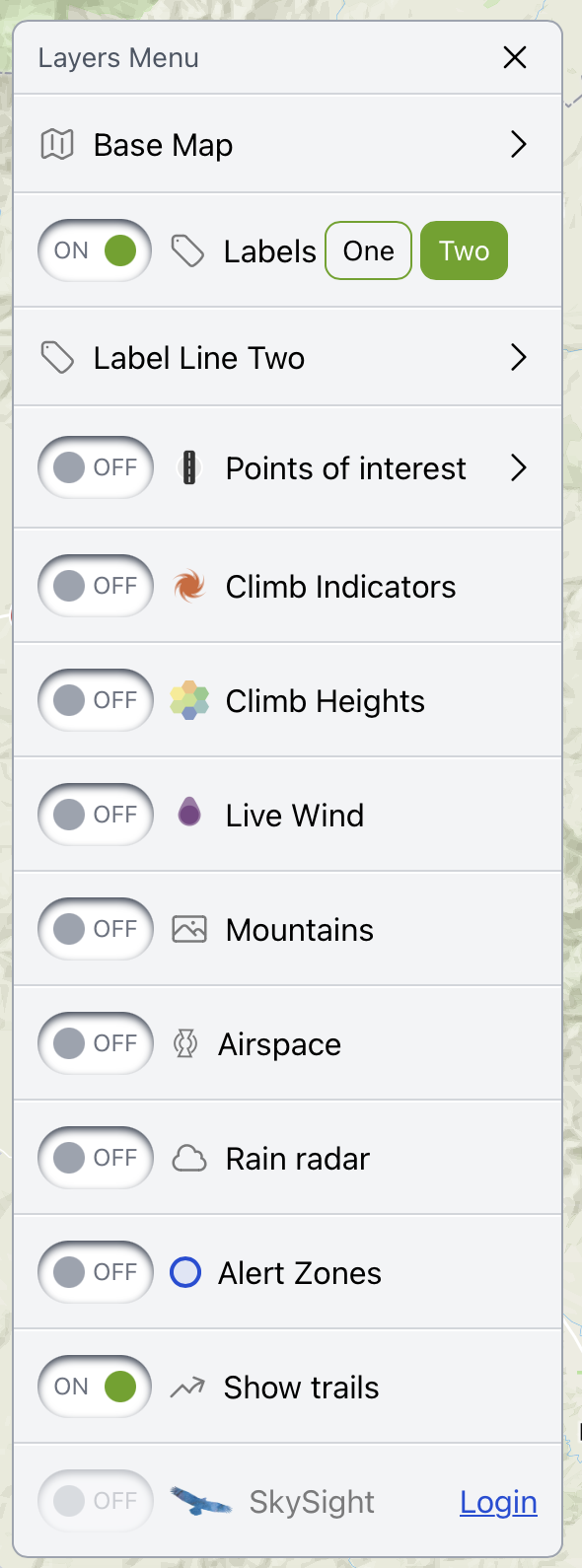
The new layers menu consolidates what you can view on the map into one place.
Get in touch if you have any feedback, problems or questions.