
Always be found, with the updated PureTrack iOS app that now supports live tracking via your phone's satellite network.
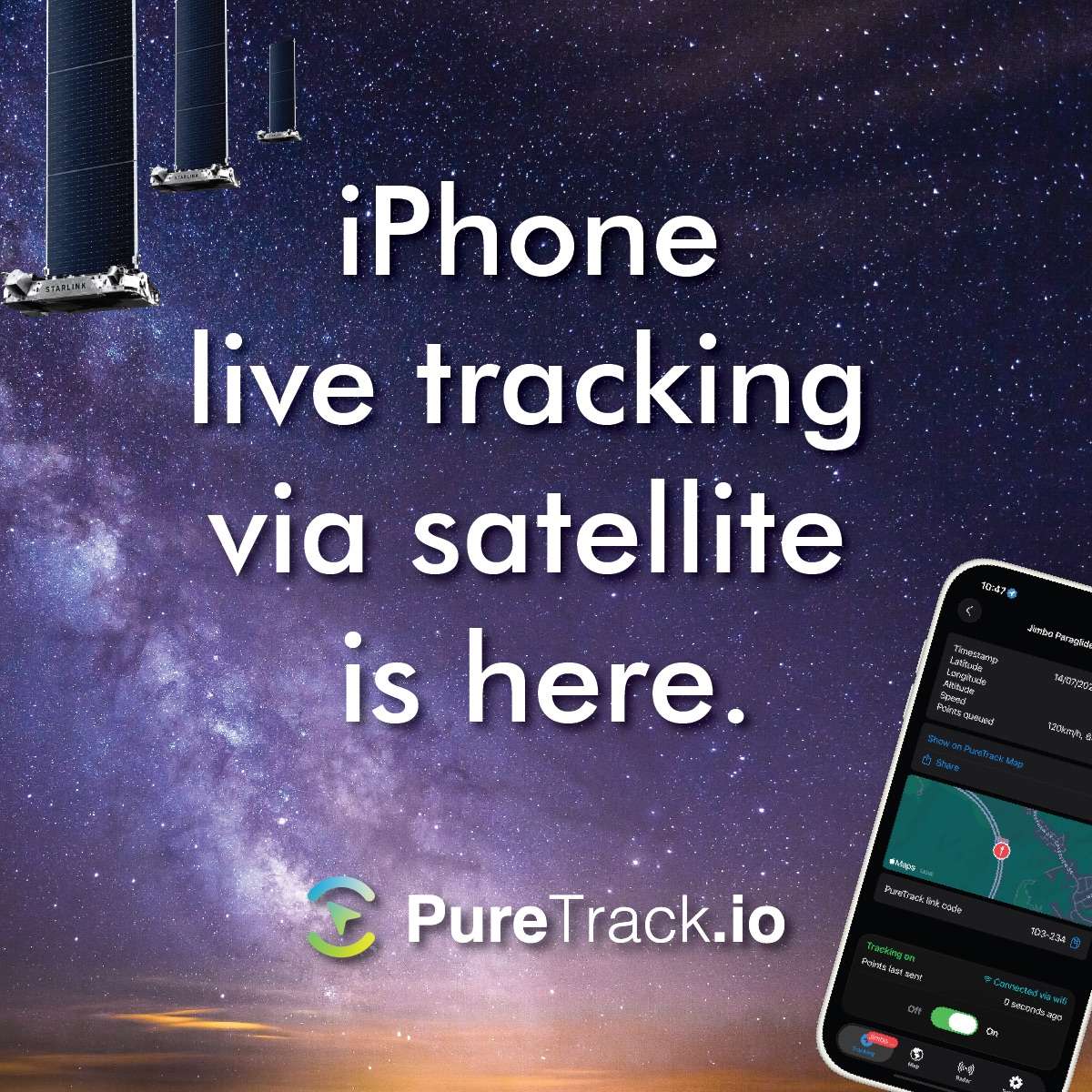
Perfect for pilots, hikers, boaties, remote workers or anyone who ventures out into the wilderness. Potentially much easier and cheaper than a dedicated cellular tracker, especially if you can just activate satellite data for the short time you need it.
Note, Like any active GPS tracker app on your mobile, it will chew through your battery. So always take a battery pack or charger with you.
Install from the App Store at apps.apple.com/us/app/puretrack-gps-tracker/id6443511612
To use satellite tracking with the PureTrack iOS app, you will need:
An iPhone 13 or later. A cellular plan that supports satellite data (not just text). The latest version 2.0 or later of the PureTrack iOS app. Install from the app store.
Not all countries and carriers support satellite mobile data yet. See the list of supported countries and providers for Starlink mobile or the list below. starlink.com/business/mobile
Other satellite data providers may also be available in your country.
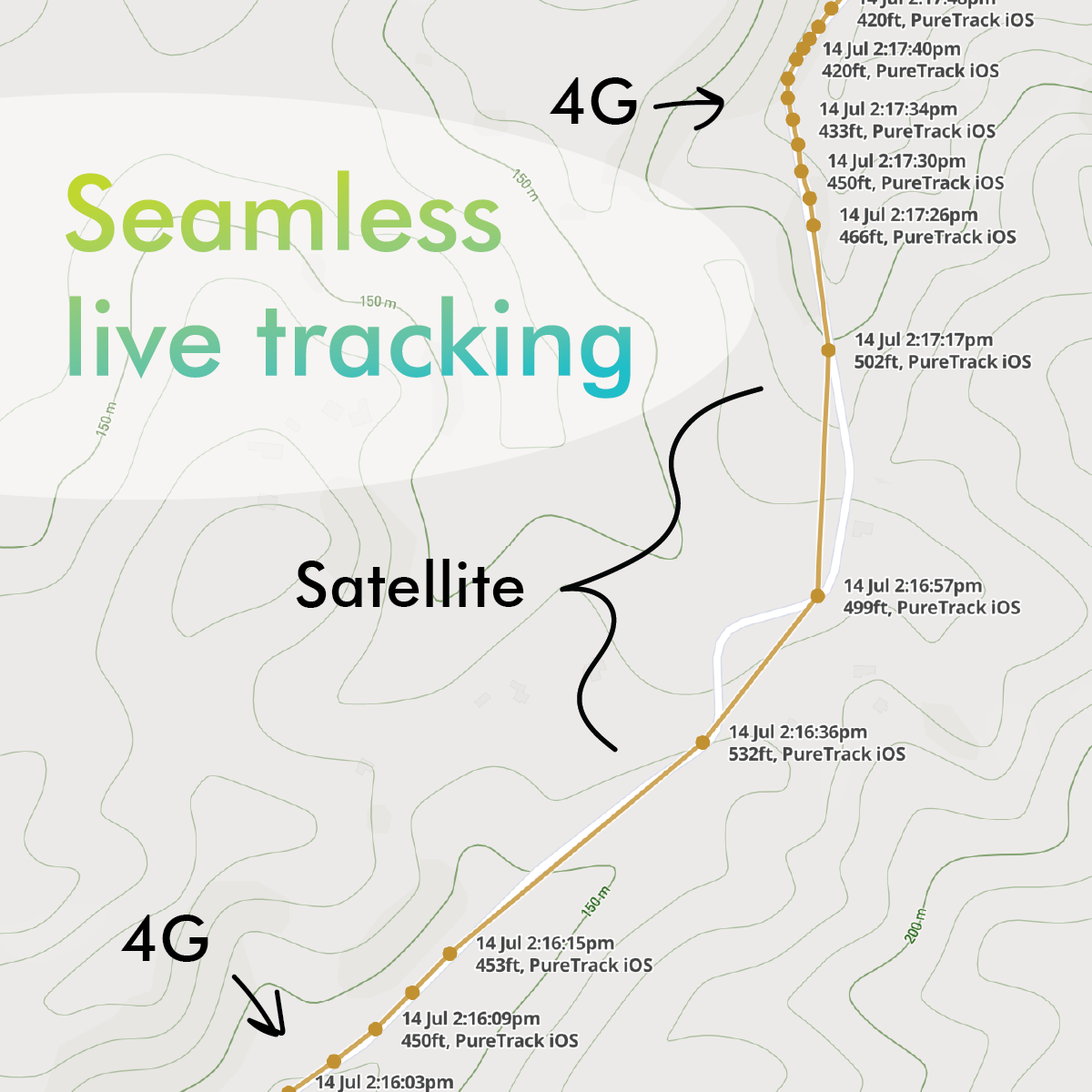
Your mobile device will automatically switch between cellular or satellite data. No extra steps are required.
The PureTrack iOS app now has a settings screen to configure separate data rates for mobile or satellite connections. Depending on your data plan or battery life, you might like to slow down or increase the rate of transmission.
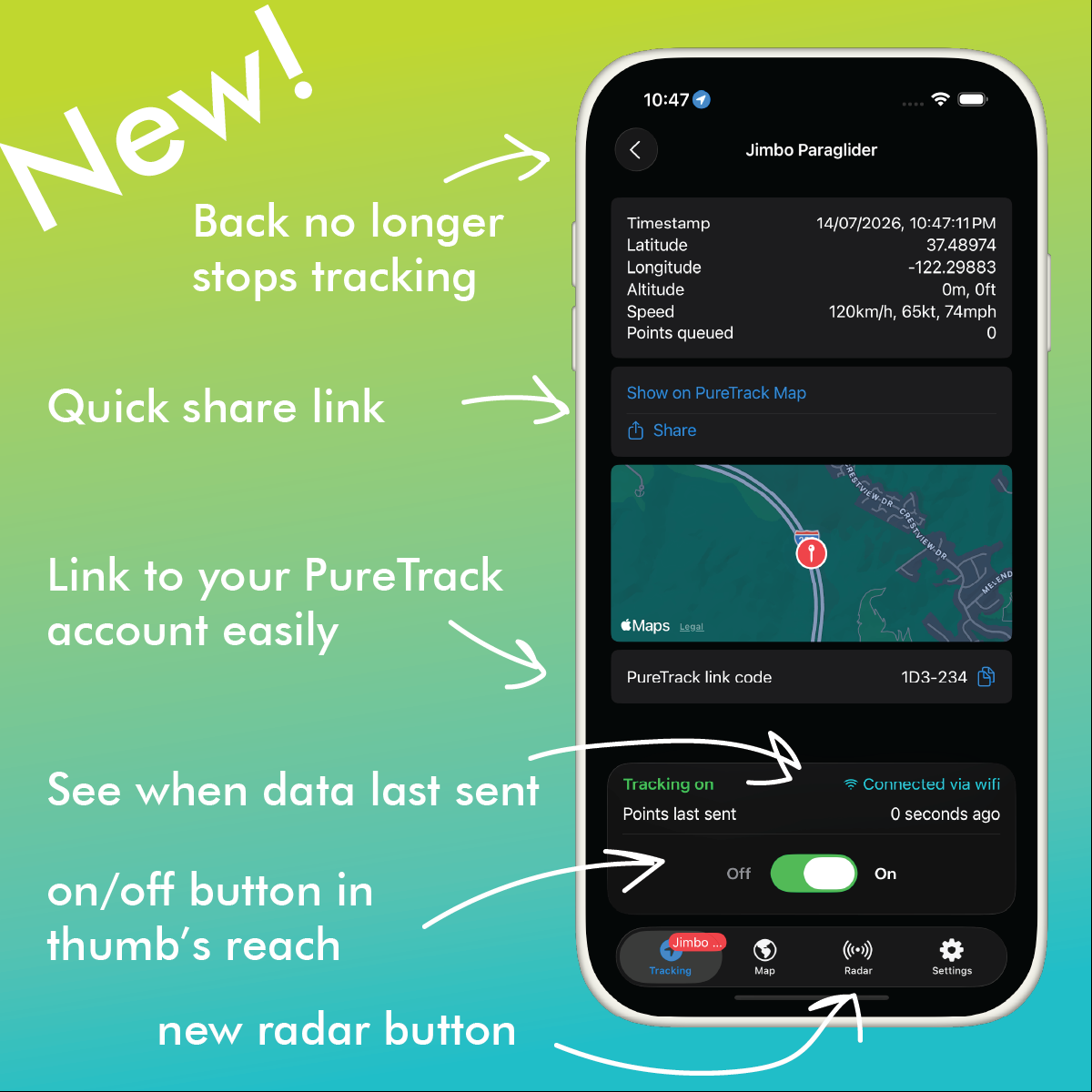
We've made a whole heap of small improvements to the iOS PureTrack app, making it quicker and easier to start/stop your tracker, view the PureTrack map or jump to the radar page.
Complete up to date list: starlink.com/business/mobile